
HackerBot
Tools



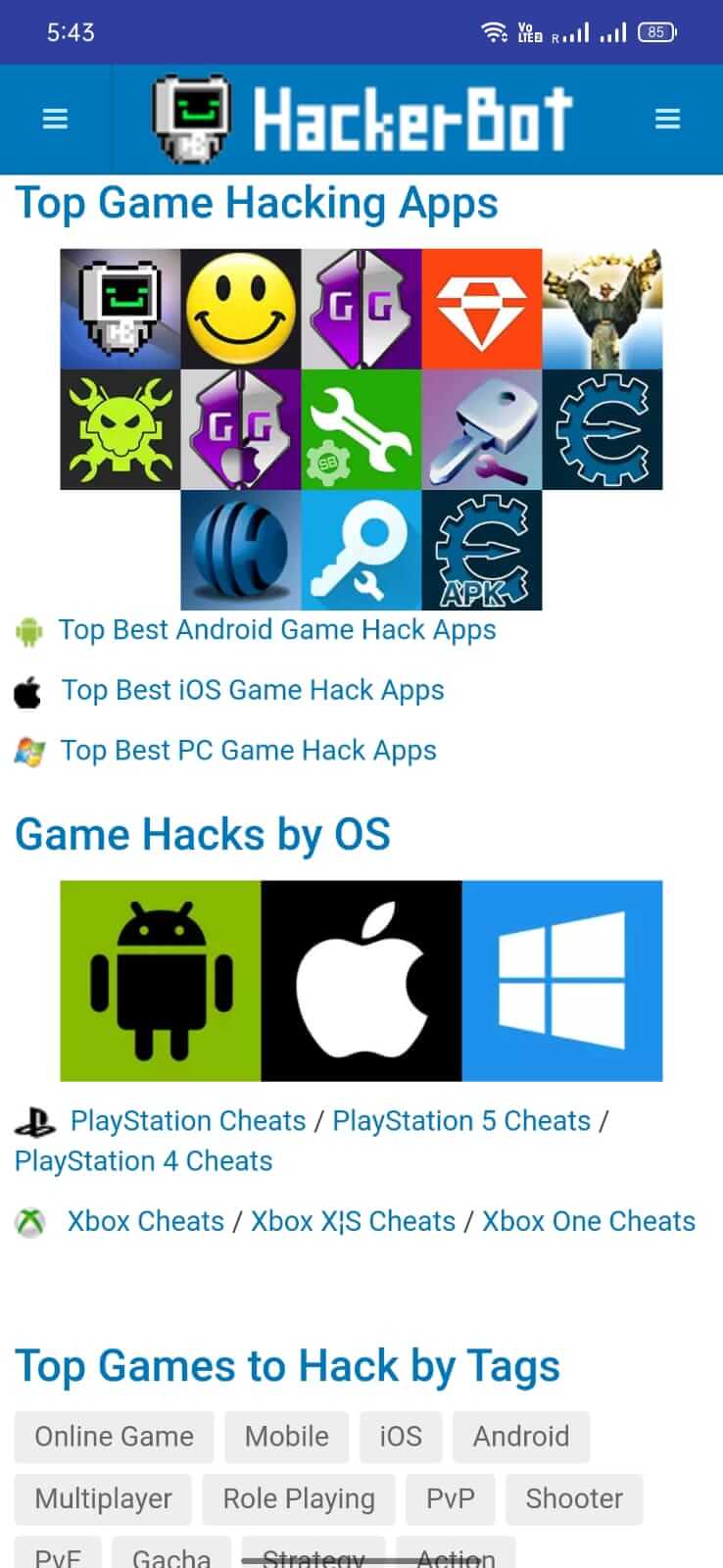
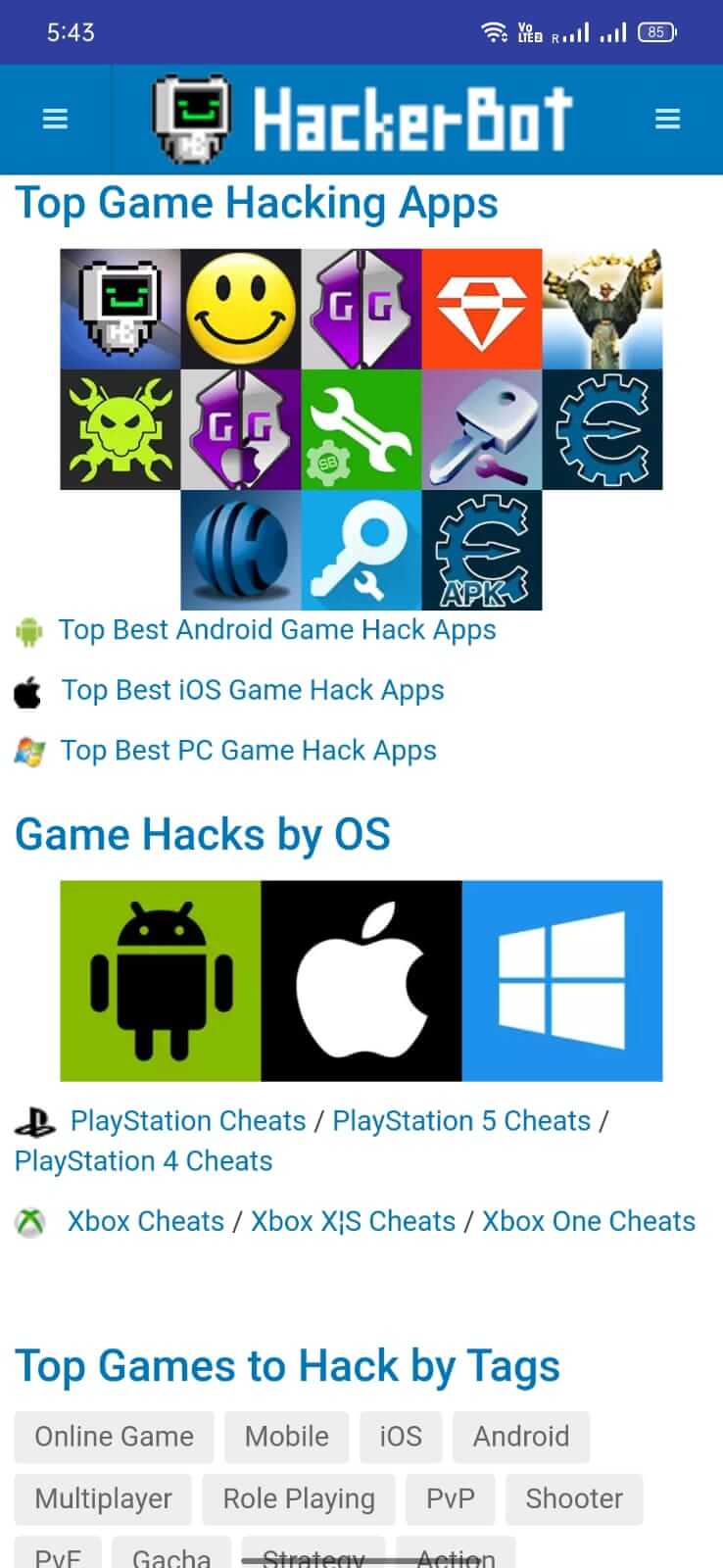

HackerBot is an Android utility that acts as a specialized search engine for finding safe and working mods, patches, and cheats for other apps and games. If you spend time hunting for reliable modifications, this tool aims to streamline the process by aggregating trustworthy sources.
This page provides the latest APK details, installation guide, compatibility notes, and practical advice on using HackerBot responsibly.
Quick Information
| App/Game Name | HackerBot |
| Latest Version | 2.0.0 |
| Developer | Not listed |
| Category | Apps / Tools |
| App Size | 4.39 MB |
| Package Name | net.hackerbot.hbsiteapp |
| Last Updated | 24 September 2025 |
What Is HackerBot?
HackerBot (package net.hackerbot.hbsiteapp) scans the web for mod files that have been verified as functional and free from obvious malware. It presents results in a simple list, letting users tap a link to download the desired patch or cheat. The app is geared toward power users who want a one‑stop place to locate modifications without visiting multiple forums.
Key capabilities include:
- Keyword‑based search for mods, patches, and cheats.
- Filters to prioritize sources that report working status.
- Direct download links that open in the device’s browser.
Limitations: HackerBot does not host any mod files itself, so the availability of a specific cheat depends on external sites. The app also requires an active internet connection for every search.
Compatibility
| Android Version | ✓ Verified — Android 4.4 and later |
| Architecture (ARM64 / 32-bit) | Not Verified |
| Internet Connection | ✓ Verified — May be required for ads, updates, or login |
| Storage Needed | Not Verified |
| OBB/Data Files | Not Verified |
| Root Required | Not Verified |
How to Install
- Enable installation from unknown sources: Settings → Security → Allow installation of apps from unknown sources (or use the modern “Install unknown apps” permission for the specific file manager).
- Download the HackerBot APK file to your device.
- Tap the downloaded file to launch the installer.
- Follow the on‑screen prompts and tap “Install”.
- Once installed, open HackerBot and grant any requested permissions (e.g., internet access).
Troubleshooting
- App not installed – This often means the APK is corrupted or not compatible with your Android version. Re‑download the file from a reputable source and verify the file size matches the listed 4.39 MB.
- Crashes on launch – Ensure you have at least Android 5.0 (Lollipop) installed. Clearing the app cache (Settings → Apps → HackerBot → Storage → Clear cache) can also help.
- Search results are empty – The service relies on third‑party sites. If those sites are down or have changed their URLs, the app may return no results until the database is refreshed.
- MOD links fail to download – Verify the external link is still active. Some mod providers remove files after a period.
Safety & Security
HackerBot itself is a modified APK, meaning its original code has been altered. When downloading any MOD build, consider the following:
- Check the file’s hash (if provided) against a known good source.
- Review the permissions the app requests; it should only need internet access.
- Avoid entering personal or payment information within the app, as the source cannot be guaranteed.
- Keep a backup of the original APK (if you have one) before installing a modified version.
How HackerBot Compares
| Feature | HackerBot | ModDB | APKPure |
|---|---|---|---|
| Primary purpose | Search engine for safe Android mods | Community‑driven mod repository | General APK marketplace with some mod listings |
| Price model | Free (ad‑supported) | Free | Free (ads) |
| Platform | Android only | Web + Android app | Android only |
| Standout feature | Aggregated safe‑mod search | Large user‑contributed library | Broad APK catalog with version history |
| Best for | Quickly locating verified mods | Deep dive into niche game mods | General APK downloads and occasional mods |
Alternatives
- ModDB – A long‑standing community site that hosts mods for games across platforms, including Android.
- APKPure – Offers a wide range of APKs and some modded versions, with user reviews for each file.
- APKMirror – Focuses on official APK releases but also lists some modified builds with clear versioning.
- Reddit (r/androidmods) – A forum where users share links to working mods and discuss safety.
- GitHub – Developers sometimes publish open‑source mod tools and patches directly.
Final Verdict
HackerBot can be a handy shortcut for users who regularly need to locate trustworthy Android mods, patches, or cheats. Its lightweight size (4.39 MB) and focused search functionality make it easy to use, but because it is a MOD‑built APK, you should verify the source and monitor permissions. It works best on devices running Android 5.0 or newer and when you have a reliable internet connection. If you prefer a community‑driven library or broader APK marketplace, consider the alternatives listed above.
Frequently Asked Questions
HackerBot itself is a modified APK, so you should download it from a trusted source and review the permissions it requests before installing.
No, HackerBot works without root; it only requires internet access to perform searches.
The app runs on Android 5.0 (Lollipop) and newer; older versions may experience crashes.
This usually indicates a corrupted download or incompatibility with your device; re‑download the file and ensure your Android version meets the minimum requirement.
HackerBot only indexes publicly available links; it does not bypass payment systems, and downloading paid content without permission is illegal.
The app pulls results from external sites in real time, so the list reflects the current availability on those sources.
Yes, searches are performed online, so a stable internet connection is required.
You can install the new APK over a previous one; the installer will replace the old version while keeping your settings.